 JoubaMety's Notes
As of 22nd of October, 2026, major browsers support playing back HEVC, like shown in this pic from CanIUse.com.
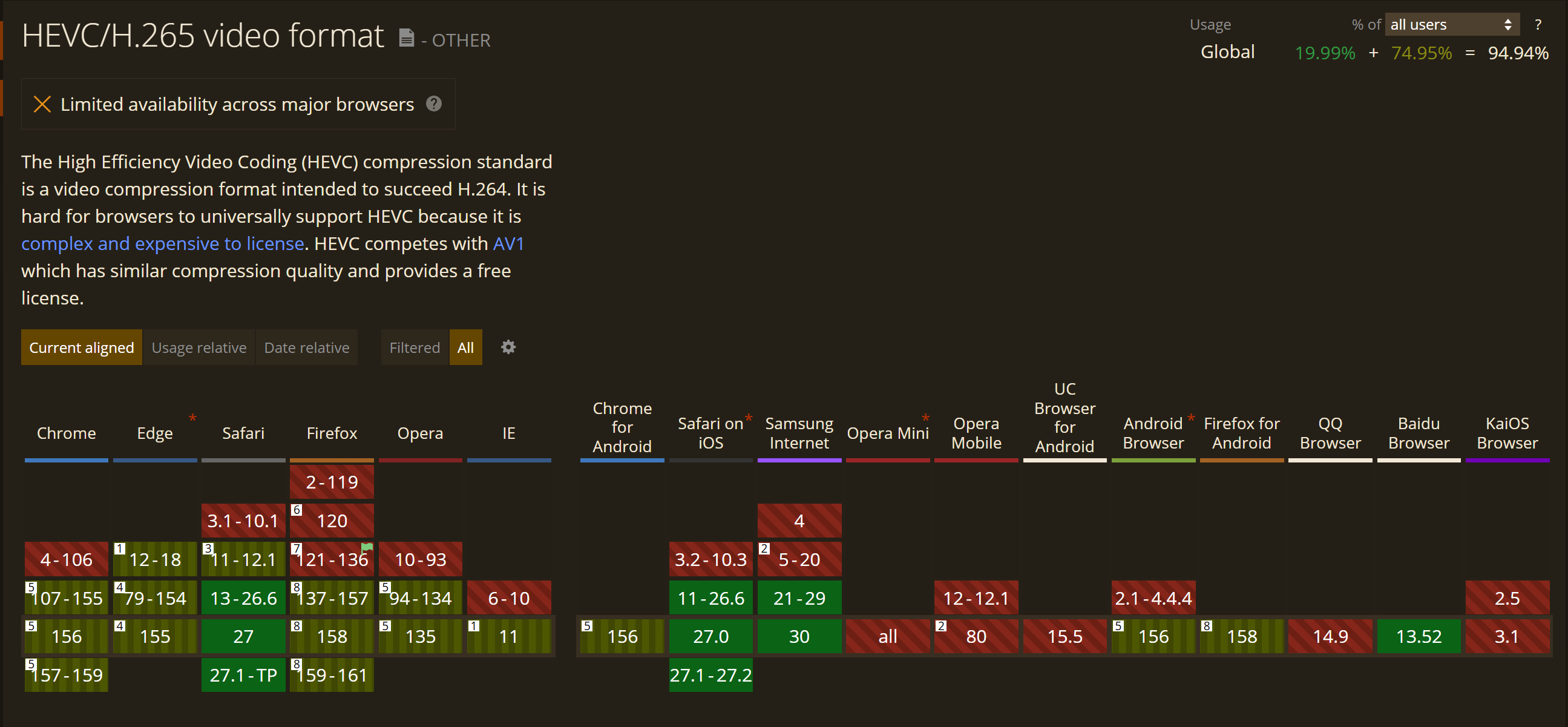
Safari
While Safari has native & enabled right out of the box (OOB) support, it doesn’t behave how you might normally think.
- It demands specific Codec ID.
- It plays back videos that only have 4:2:0 chroma subsampling.
Source: discussions.apple.com
Codec ID
For the Codec ID, it’s as simple as tagging the video via ffmpeg:
-tag:v hvc1 …but website also needs to specify the file is the correct codec, like :
<video id="video2" controls width="512">
	<!-- Other browsers -->
	<source src="/_media/test_video-codecs/site_support_02_HEVC.mp4" type='video/mp4'>
	<!-- Safari -->
	<source src="/_media/test_video-codecs/site_support_02_HEVC.mp4" type='video/mp4; codecs="hvc1"'>
	<!-- Error message? -->
	Huh
</video>
Chromium-based browsers
Chromium-based browsers as of late 2022 added support for hardware-accelerated HEVC decoding.
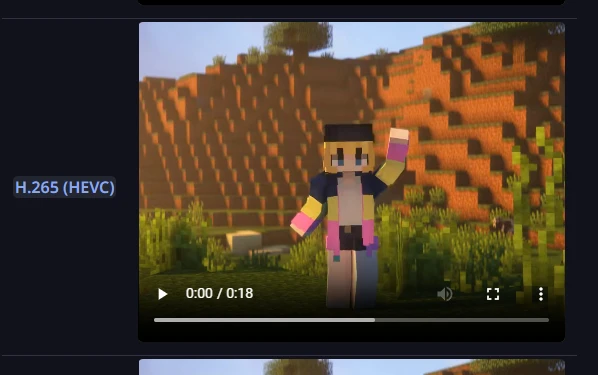
State of Chromium-based browser on Windows as of 11th of July, 2024
Firefox
Firefox as of early 2025 added support for hardware and software HEVC decoders.
HEVC (H.265) - Browser Compatibility
Firefox enables HEVC on:
- Windows from Firefox 134 using either hardware (on devices that support it, where the range is the same as Edge) or software (on Windows the user must pay for and install an extension)
- macOS from Firefox 136 using either hardware or software.
- Linux from Firefox 137 using either hardware or software (via the system FFmpeg).
- Android from Firefox 137 using hardware only.
Source: developer.mozilla.com
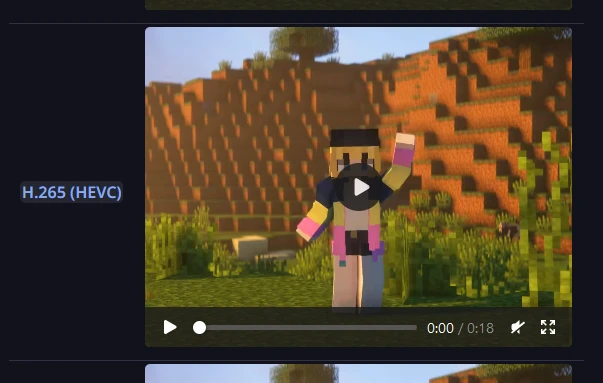
State of HEVC on Windows as of 11th of July, 2024
Conclusion
:4ktroll: